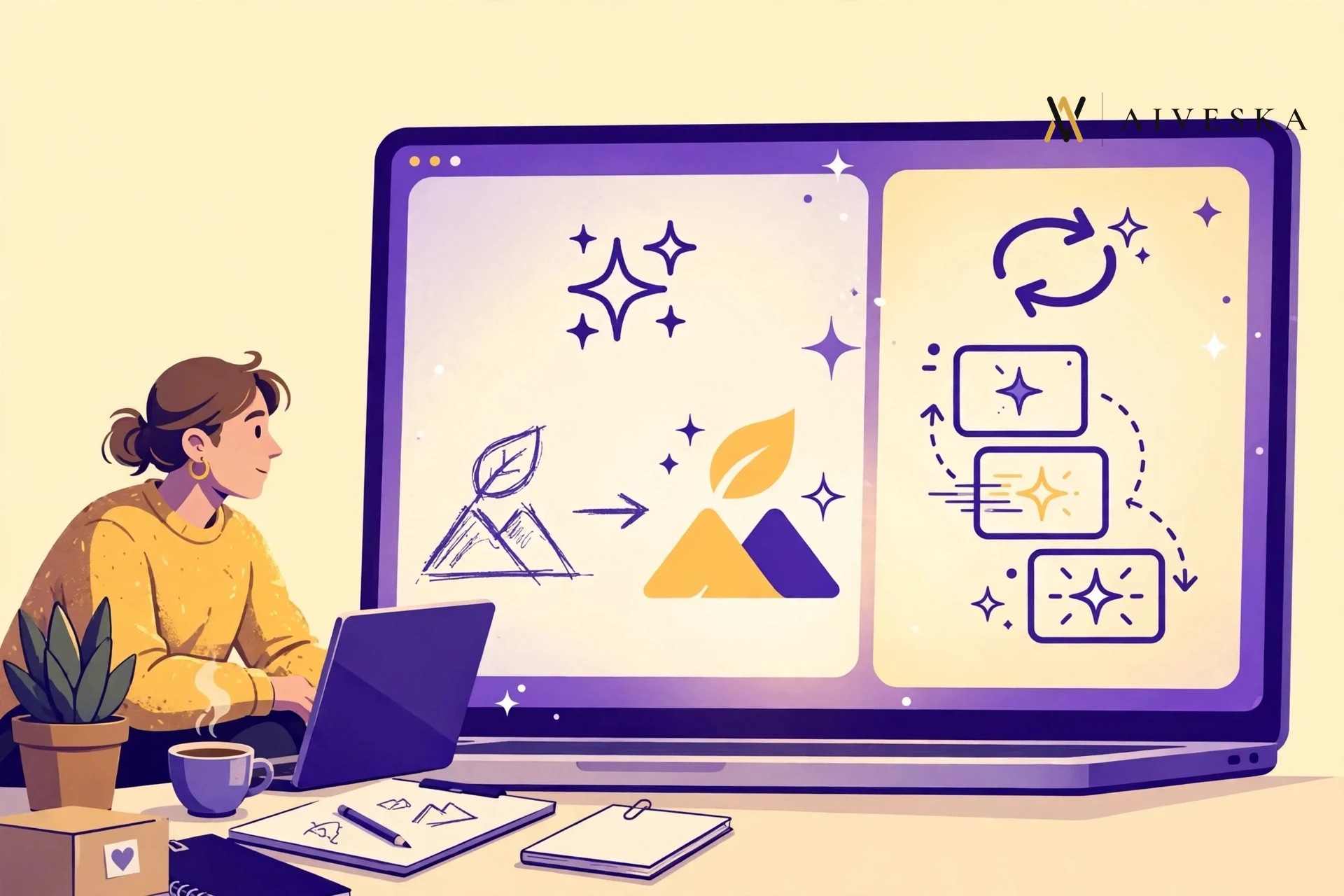
OpenAI shipped GPT-Image 2.6, called Images 2.6 in ChatGPT, on 4 November 2026, and it matters to small businesses for two reasons: it can turn a prompt into an animated GIF, and it can export a logo as a real SVG file. Before, AI image tools gave you a flat picture. This release closes both gaps.
Table of Contents
Bottom line up front: 2.6 replaces a freelancer’s first draft, not the freelancer. The GIF and SVG features are real, and the price did not go up. But the GIF rollout is gradual and there is no independent quality score yet.
GPT-Image 2.6: Two models, not one
The API offers two models at the same price. GPT-Image-2.6 Sunburst is tuned for detail and for holding a subject steady across edits — the one for a product shot you keep refining. GPT-Image-2.6 Flare is tuned for speed: OpenAI says generation is about 50% faster overall, and Flare returns a low-quality image in roughly six seconds. Use Flare to explore, Sunburst to finish.
What is actually new
Animated GIFs. A still image becomes a looping GIF, from a prompt or a photo. In ChatGPT, set playback speed before sharing. On the API, GIF is an output format with 2–64 frames. Two limits: the API will not accept a GIF as input, and the ChatGPT rollout was gradual — check yours before promising a client a GIF.
SVG export. The image call can now return a static SVG — a real vector file, one per request — instead of a raster image you have to re-trace. It works on the generations endpoint only, not on edits.
A complexity control and markup-guided edits. A new complexity setting (low, medium or high) controls how much planning the model does before rendering — it is not a quality dial. You can also mark up an image to guide an edit.
What it costs
Pricing is unchanged from Images 2.5, and both models cost the same: $5 per million text-input tokens ($1.25 cached), $8 per million image-input tokens ($2.00 cached) and $30 per million image-output tokens. That is roughly half a cent at low-quality 1K, about five cents at high quality, and ten cents at 2K high quality.
3 first steps if you test it
- Make one real asset, not a demo. Take your actual logo idea or one product photo, and ask for the SVG or GIF version you would use.
- Use Flare for drafts, Sunburst for finals. Generate ten variations fast on Flare, pick one, then refine it on Sunburst.
- Check the GIF and the SVG before they go live. Open the SVG at large size and look for warped text — AI models still mangle lettering. AI-made media should not be presented as a real photograph, and California’s labelling rules (see our US AI rules post) are already live for the big providers.
The honest limits
There is no independent score for Images 2.6 yet — Artificial Analysis had not listed either model as of 5 November 2026, so every quality claim is OpenAI’s own. A logo is a brand asset: a mark fine at thumbnail size can fall apart on a shop sign. Use 2.6 for drafts and social GIFs; pay a designer for a final logo that has to last.
For the video side of AI media, see our Gemini Omni 1.2 Flash article.
For the wider shortlist, see our roundup of the 10 best AI tools for small business.
Bottom line
GPT-Image 2.6 is a small release with two genuinely useful features: GIFs for social posts and SVG export for logos and icons, at unchanged prices. Try it on one real graphic this week. If the GIF lands and the SVG holds up at full size, you have replaced a recurring design job — and if not, you have spent pennies finding out.