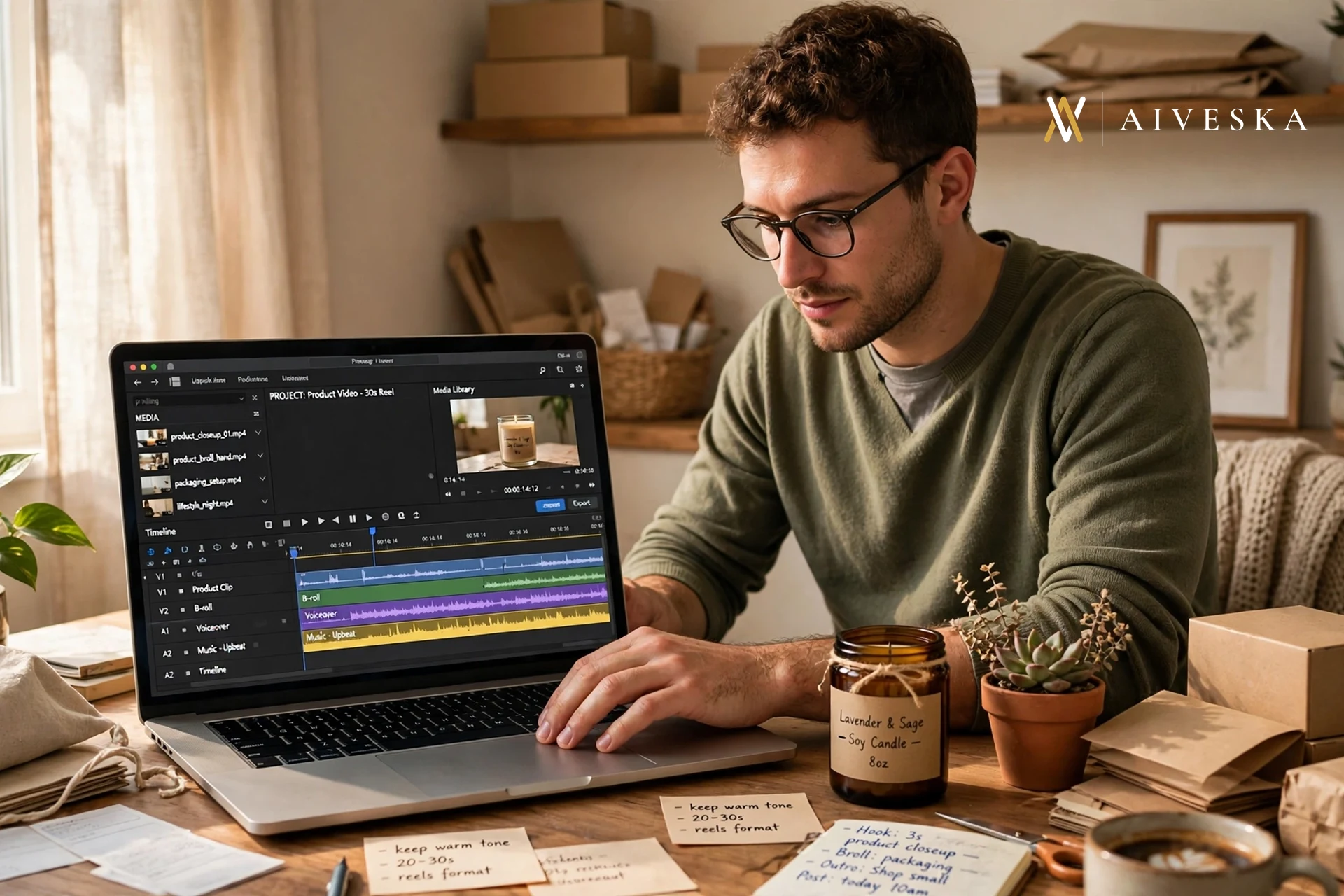
Google made Gemini Omni 1.2 Flash generally available on 5 November 2026, and for a small business the headline is refreshingly simple: 15-second AI video clips with sound, edited by talking to the model, for about a dollar a clip.
Table of Contents
Bottom line up front: the free way in is Google Vids, where 15-second clips come at no additional cost with a Google account. The paid API route costs roughly $0.07 a second at 720p, cheap enough to test a product ad this weekend, but there is no free tier on the API, so price a month of clips before you build a workflow around it.
What changed since Omni 1.1
| Omni 1.1 | Gemini Omni 1.2 Flash | |
|---|---|---|
| Longest clip | 10 seconds | 15 seconds (3-15s, in 1-second steps) |
| Price, 720p | About $0.10 a second | About $0.07 a second (30% cut) |
| Editing | Regenerate to change things | Multi-turn conversational editing |
| Reference images | Basic | Up to 6, including 3 per character for 2 characters |
| Audio | No native audio | Native audio built in |
The longer clip is the practical change. Ten seconds fits a logo sting; fifteen seconds fits a complete product explainer or a full social ad spot in a single generation, with native audio built in. Conversational editing is the second one: instead of regenerating a whole clip because the background is wrong, you ask for the background swapped or the lighting changed, and the rest stays put. Google says it holds faces, garments and packaging typography steady across angles, and its own tests give 1.2 a 62% visual-consistency win rate against 1.1.
What it costs
| Price | |
|---|---|
| 720p video output (API) | About $0.07 per second – $0.70 for 10 seconds, $1.04 for 15 |
| Text, image and video input (API) | $1.50 per million tokens |
| Google Vids | 15-second clips at no additional cost with a Google account |
| Free tier on the API | None – paid tier only |
| 1080p and 4K output | Upscale only your best clips |
Pricing is metered in tokens, but the per-second figure is what a small business should budget on. Draft at 360p or 720p, fix details with follow-up edits instead of full regenerations, and only upscale your best clips to 1080p or 4K.
Where you can actually use it
Prototype in Google AI Studio, use the paid Gemini API, direct scenes and multi-turn edits in Flow, generate 15-second clips in Google Vids, and scale campaigns in Google Ads. The Gemini app gets 15-second generation too, but only as it rolls out to Google AI Ultra subscribers. Every clip made through the API carries an invisible SynthID watermark. One date for the diary: on 3 December 2026, existing Omni 1.1 API calls automatically route to 1.2 and bill at the lower rates, with no code changes.
3 first steps
- Make one real clip in Vids this weekend. A 15-second product shot, free with a Google account. If it looks cheap, you have learned that for nothing.
- Test it with your own photos. Feed it a product photo and see whether the packaging text and colours survive – that consistency claim is the whole value, and only your own product can prove it.
- Price a month before you commit. Count the clips a campaign needs, multiply by roughly $1 a clip at 720p, and compare that with one hour of a freelancer’s time.
The honest limits
Google is upfront that fast sports action, rapid script changes and complex physics are still in development. The API fully supports English; other languages have not been evaluated. Voice editing, uploaded audio inputs and audio references are not supported in the current API.
FAQ
Is there a free way to try Gemini Omni 1.2 Flash? Yes, in Google Vids, where 15-second clips come at no additional cost with a Google account or Workspace subscription. The Gemini API itself has no free tier, and the Gemini app route needs an AI Ultra subscription.
Bottom line
Gemini Omni 1.2 Flash is the first AI video tool a small business can price like a consumable – about a dollar a finished clip, with a free route in Vids to find out whether it is any good first. Try one real product clip this weekend; if the branding survives, it earns a place in your content routine. If it does not, you have spent nothing and learned fast.
Read more: Google Gemini small business tools – 7 best AI video tools – 10 best AI tools – Source: Google announcement